Overview
Why this module: Many teams run people data in Odoo but pay in spreadsheets or external tools. Advance HR closes that gap: you configure pay rules, taxes, and time sources inside Odoo, then generate payslips with review and approval steps—so HR and payroll share one system, audit trails stay in one place, and fewer errors slip through.
What you will set up: Employee master data (profile fields, types/status, bank, credentials if needed, documents), company-wide Advance HR settings, payroll groups linked to tax schemes, salary entries and earnings/deductions templates, overtime and holiday rules, paid leave tracking if you use it, how hours are counted (timesheets, attendance, or manual), then monthly payslip generation, day review, lifecycle approval, and dashboard reporting.
How to use this chapter: Follow the step-by-step list below in order where possible; refine configuration masters whenever your policy or regions change.
How It Works
You define your company’s pay rules (groups, tax, overtime) once. Each month, you generate payslips for employees. The system calculates days and overtime using your chosen data source and your holiday rules.
Step-by-Step Guide
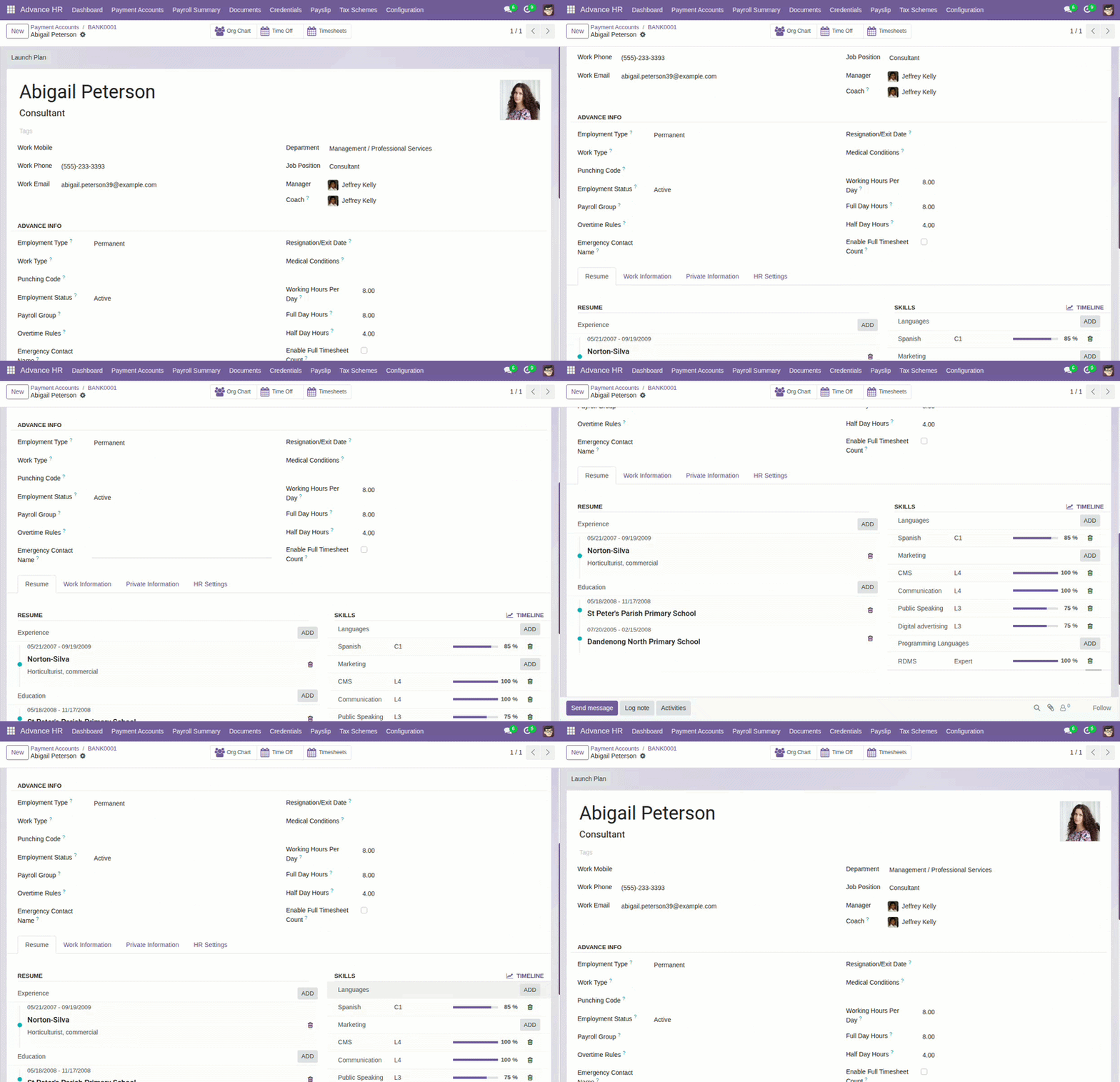
- Add employee profiles (including punching code and emergency contacts).
- Enter employee bank accounts, credentials (if used), and documents.
- Configure Advance HR Settings and configuration masters (work types, payment types, etc.).
- Create payroll groups and link to a tax scheme.
- Set up salary structures and earnings/deductions templates.
- Define overtime policies.
- Configure leave types and holiday exclusion rules.
- Choose how to count hours: timesheets, attendance, or manual.
- Generate monthly payslips, run the approval workflow, and review day-by-day details.
- Track paid leave usage if your process uses it; use the dashboard and print payslip reports.
Fields Table
| Field Name | Description | Example |
|---|---|---|
Payment Schedule |
How often employees are paid. |
Monthly |
Hours Count Method |
Where work hours come from. |
Timesheets |
Full Day Hours |
Hours considered a full day. |
8.0 |
Half Day Hours |
Hours considered a half day. |
4.0 |
Field labels explained
These labels appear in payroll setup and settings; exact wording in Odoo may vary slightly by language pack.
Payment Schedule
How often the company runs pay (e.g. monthly, weekly). Usually set on the payroll group so all employees in that group share the same cadence.
Hours Count Method
System-wide or per-company setting that defines whether total working hours for payroll come from approved timesheets, attendance devices, or manual entry. See Timesheets & Attendance Settings.
Full Day Hours
Number of hours that count as one full working day when converting logged time into “days” for payroll or day rules.
Half Day Hours
Hours threshold below which a day may be treated as a half day (used with split days and some OT logic).
Tips
- Decide early whether you’ll rely on timesheets or attendance for hours.
- Use templates for earnings/deductions to keep payroll consistent.
Common Mistakes
- Skipping holiday rules, which can inflate working days.
- Not setting default bank account for employees.