Overview
Why it matters: Companies rarely have one pay rule for everyone—you may pay monthly in one country and weekly in another, or run separate tax treatment for contractors vs employees. Payroll groups bundle country, currency, schedule, and tax so each person inherits the right rules without manual overrides every run.
What this covers: You create a group (e.g. “Monthly staff – India”), set country and currency, payment frequency, and link a tax scheme that matches that country. Employees are assigned to a group on their profile; payslips then use the linked scheme and schedule.
Correct grouping reduces wrong tax deductions and currency mistakes when you operate across regions or pay cycles.
How It Works
Create a Payroll Group (e.g., Monthly Staff in EUR), choose payment schedule (Monthly/Weekly/etc.), and link a Tax Scheme for that country. Assign employees to the group.
Step-by-Step Guide
- Create a new Payroll Group and fill name, country, currency, payment schedule.
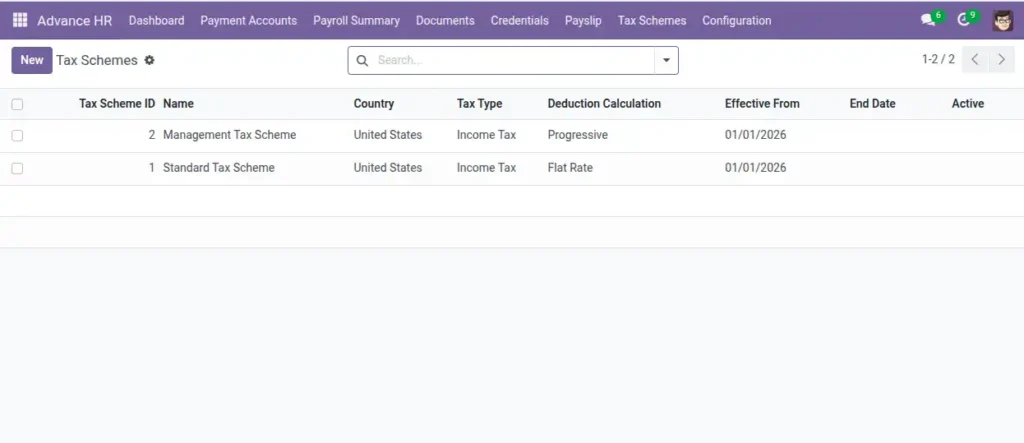
- Choose a Tax Scheme for that group (must match group’s country).
- Set the group to Active.
- Assign employees to the group via their profiles.
Fields Table
| Field Name | Description | Example |
|---|---|---|
Name |
Group name. |
Monthly Staff |
Country of Payroll |
Country the rules apply in. |
India |
Payroll Currency |
Currency used for pay. |
INR |
Payment Schedule |
How often they are paid. |
Monthly |
Tax Scheme |
Tax rules and brackets. |
India Income Tax |
Is Payroll Group Active? |
Toggle to enable usage. |
Yes |
Field labels explained
Name
Label HR and payroll will see when assigning employees—make it obvious (e.g. “UK Monthly Staff”).
Country of Payroll
Jurisdiction for labour and tax rules; must align with the linked Tax Scheme country.
Payroll Currency
Currency of payslip amounts for this population (INR, EUR, etc.).
Payment Schedule
Frequency of pay runs (monthly, weekly)—drives expectations and some period logic.
Tax Scheme
Which tax definition applies to members of this group; brackets and rates come from there.
Is Payroll Group Active?
Inactive groups should not get new assignments; use for retired policies without deleting history.
Tips
- Use separate groups for contractors vs employees if tax differs.
- Payment schedule must match company policy for smooth payouts.
Common Mistakes
- Linking a tax scheme from a different country (blocked by domain).
- Forgetting to assign employees to the new group.