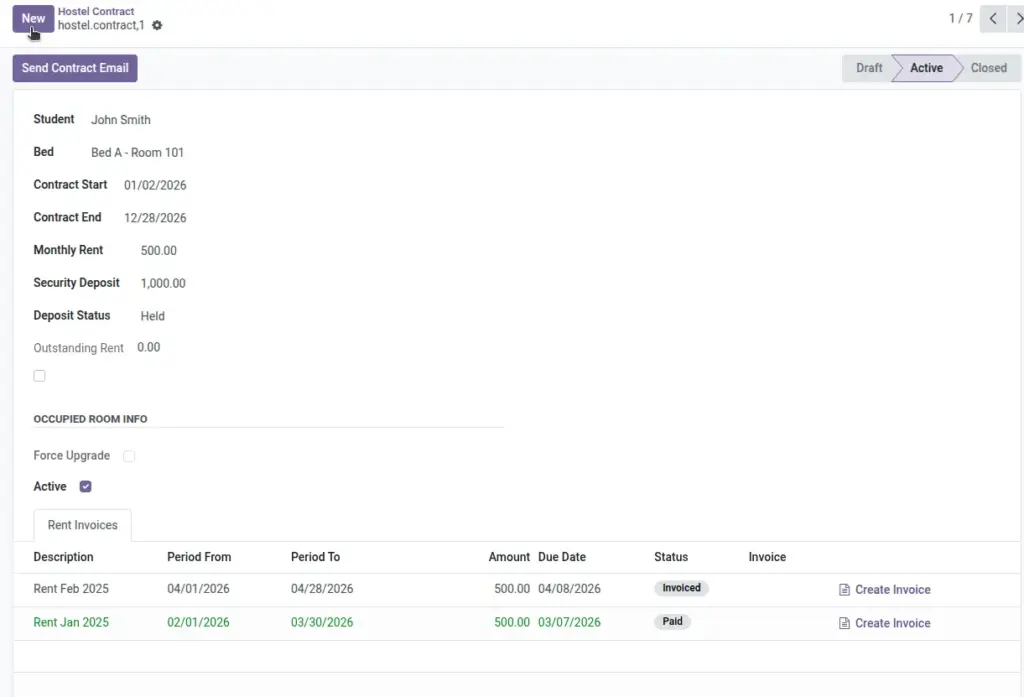
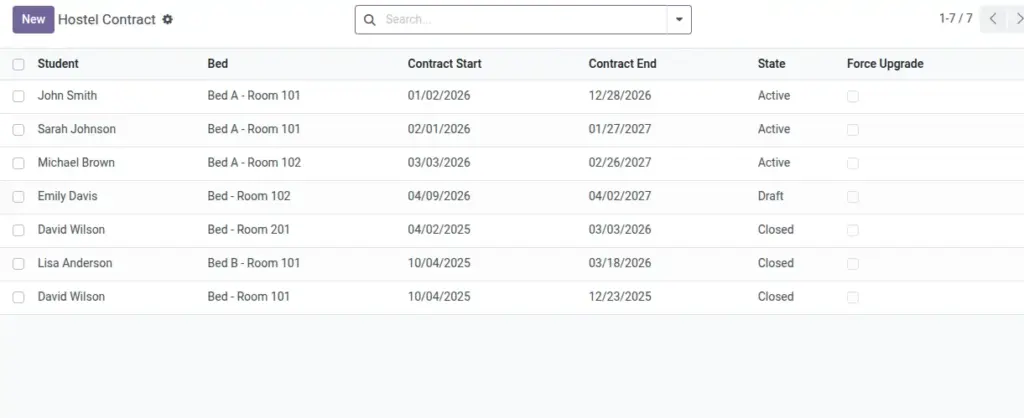
Shows all students with active contracts today.
Overview
Students In‑House is the real‑time roll of residents staying today. It pulls from active contracts covering the current date, helping wardens and security verify presence by building, room, or bed.
- Source: Active contracts whose periods include today.
- Views: Filter and group to match on‑ground checks (building/unit/room/bed).
- Usage: Share with security for roll calls and emergency procedures.
How It Works
- Lists contracts that are Active and include today’s date.
- Use filters for Building, Unit, Room, or Bed.
Step‑by‑Step Guide
- Go to Reports → Students In‑House.
- Optional: set Building or Room filters.
- Export or print if needed.
Fields Table
| Field Name | Description | Example |
|---|---|---|
Student |
Resident name |
Priya Sharma |
Bed |
Assigned bed |
B2 (201‑A) |
Building / Room |
Location |
North Wing / 201‑A |
Contract Period |
From / To dates |
01‑Jun / 31‑Aug |
Field name explanation : Data comes from Active contracts covering today’s date.
Fields explanation
- Student: Resident whose contract is active today.
- Bed: Allocated bed reference for the stay.
- Building / Room: Location context derived from the contract’s bed.
- Contract Period: From/To dates that include the current date.
Tips
- Group by Building to share with security for roll calls.
Common Mistakes
- Forgetting filters from the last run can hide records.
Image