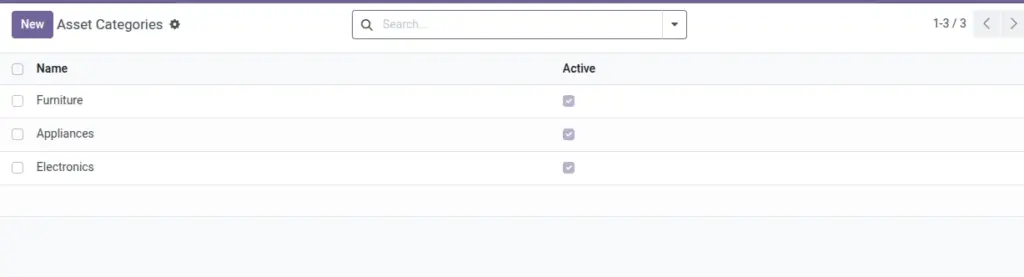
Group assets for faster reporting, budgeting, and audits.
Overview
Asset Categories segment inventory into manageable groups (e.g., Furniture, Appliances, Bedding) for clearer reporting, budgeting, and maintenance planning. They provide structure—financial details still live on each asset.
- Purpose: Group assets to view counts, spend, and condition by category.
- Simplicity: Fewer, well‑defined categories make reports meaningful.
- Maintenance: Review periodically to reflect inventory changes.
How It Works
- Create categories once; select them on each Asset.
- Filter and report by category to see costs and counts.
Step‑by‑Step Guide
- Go to Services → Asset Management → Categories → New.
- Enter Name and optional Description.
- Save. Assign this category to assets.
Fields Table
| Field Name | Description | Example |
|---|---|---|
Name |
Category name |
Bedding |
Description |
Notes about usage |
Matrices, pillows, covers |
Active |
Use or archive |
Checked |
Field name explanation : Categories are used for grouping only; financials stay on the asset.
Fields explanation
- Name: Category title used on assets.
- Description: Scope notes to guide asset assignment.
- Active: Archive to remove from pickers while keeping history.
Tips
- Review categories yearly to match inventory changes.
Common Mistakes
- Creating too many near‑duplicate categories.
Image