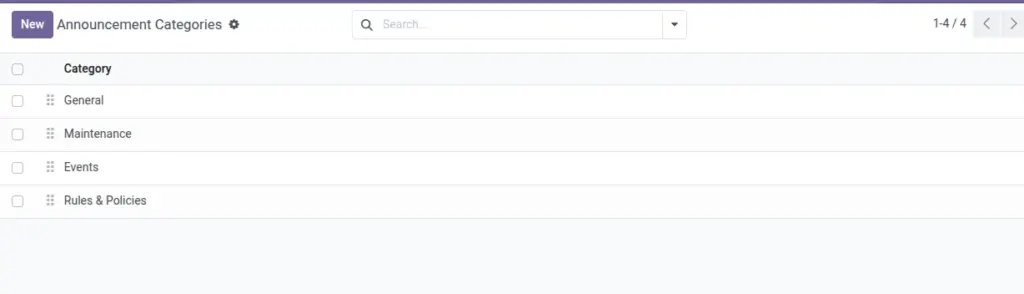
Organize your notice board by topics like Safety, Events, or Maintenance.
Overview
Announcement Categories structure the notice board by topic, making it easier for students to find relevant posts and for admins to filter, review, and report on communications.
- Clarity: Group similar announcements (e.g., Safety, Events, Maintenance).
- Findability: Students scan by topic; admins filter and report by category.
- Governance: Keep the list short and meaningful to reduce noise.
How It Works
- Create a simple list of categories with a sequence number.
- Pick a category when creating an Announcement.
- Use category filters on the notice board.
Step‑by‑Step Guide
- Go to Communication → Announcements → Categories → New.
- Enter Category name and order (Sequence).
- Save. Use this category in your announcements.
Fields Table
| Field Name | Description | Example |
|---|---|---|
Category |
Name of the grouping |
Safety |
Sequence |
Display order |
10 |
Field name explanation : Sequence controls how categories appear in pickers and lists.
Fields explanation
- Category: Short, clear topic name (e.g., Safety, Events).
- Sequence: Sorting order in dropdowns and lists.
Tips
- Use “Events” for cultural programs, workshops, and celebrations.
Common Mistakes
- Creating too many granular categories makes searching harder.
Image