
Installing & Setting Up
A clear path for new administrators: get the files onto your server, install the app in Odoo, and give users access so menus appear.

Track, maintain, and manage every company asset from purchase to disposal - with kanban boards, locations, budgets, compliance, and smart analytics built right into Odoo.

By Akash Soni May 19, 2026
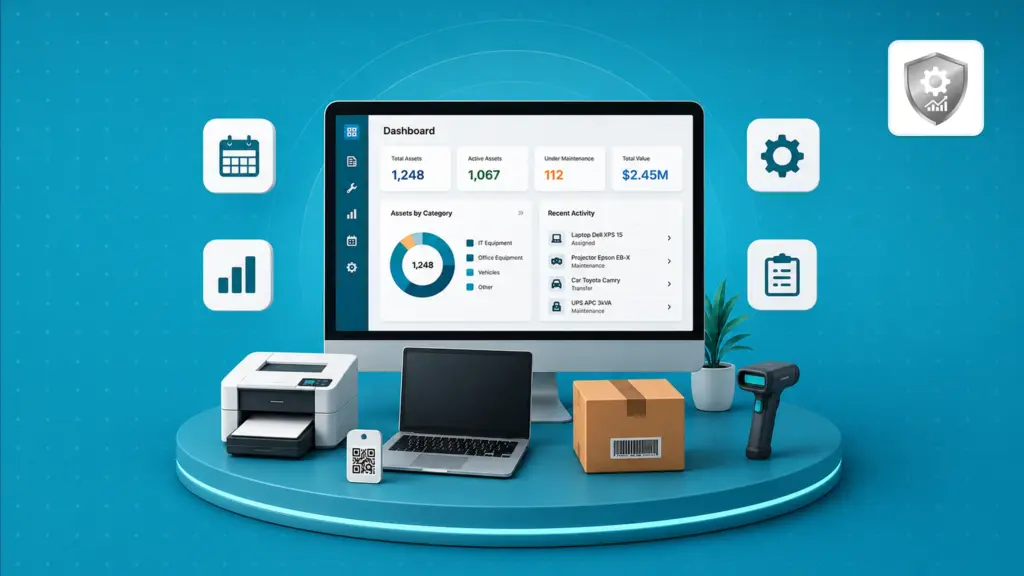
A clear path for new administrators: get the files onto your server, install the app in Odoo, and give users access so menus appear.
Step-by-step guide with field reference and practical examples.
Assign equipment to employees, track warranty, change status, and keep records up to date.
View and manage assets visually with photos, status colors, and drag-and-drop columns.
Organize assets by site, building, floor, or warehouse with hierarchy and capacity limits.
Move assets between employees, locations, or companies with a clear approval trail.
Manage assets across multiple companies with proper separation and inter-company transfers.
Follow each asset through stages from acquisition to retirement with full history.
Track how asset value decreases over time using proven accounting methods.
Plan preventive maintenance with schedules, templates, and overdue alerts.
Plan asset spending, track commitments, and get alerts before budgets run out.
Route asset changes, transfers, and disposals through multi-step approvals.
Request, approve, and record the retirement of assets with full documentation.
Generate and print physical tags so teams can scan assets in the warehouse or field.
Find any asset instantly by scanning a barcode or typing a search term.
Add your own fields to asset types so each category captures the right details.
Spot failure risks early with remaining-life estimates and maintenance predictions.
Track regulatory requirements, inspection records, and violations for each asset.
Build custom reports, save templates, and schedule automatic email delivery.
View live KPIs for assets, budgets, and compliance on interactive dashboards.
Understand who can view, edit, approve, and scan assets in your organization.
Configure defaults for depreciation, maintenance, approvals, scanner, and notifications.
Everything you get with Asset Management Pro - click any feature to open the full user guide for that topic.

Download the addon, install in Odoo, assign user access, and start in minutes – full walkthrough included.

Track every asset from purchase and assignment through maintenance, repair, and disposal with full history.

See assets as cards with photos, status colors, warranty alerts, and maintenance warnings at a glance.

Assign laptops to staff, return equipment, track warranty dates, and attach invoices on one simple form.

Organize assets by site, building, floor, or warehouse – with capacity limits and utilization reports.

Manage assets across legal entities with data separation and safe inter-company transfers.

Move assets between employees, locations, or companies with reasons, approvals, and audit trail.

Straight-line, declining balance, sum-of-years, units of production, and MACRS – automatic value tracking.

Plan preventive service with templates, recurring schedules, vendors, costs, and overdue alerts.

Plan annual spending, track committed vs actual costs, budget lines, transactions, and threshold alerts.

Multi-step approvals for transfers, disposals, and budgets – with My Approvals and full history.

Request, approve, and record retirement of assets with gain/loss tracking and proper documentation.

Generate unique barcodes and QR codes, print durable labels, and tag physical equipment.

Field teams scan any asset instantly, view details, and start transfers or maintenance from mobile.

Create categories like IT, Vehicles, or Machinery with your own extra fields per type.

Failure probability, remaining useful life, maintenance predictions, and risk alerts before breakdowns.

Requirements, inspection records, violations, corrective actions, and compliance dashboards.

Custom report builder, PDF/Excel export, saved templates, and scheduled email delivery.

Live KPIs for assets, budgets, and compliance – charts, totals, and drill-down analytics.

User, Manager, and Scanner roles so each person sees only what they need.