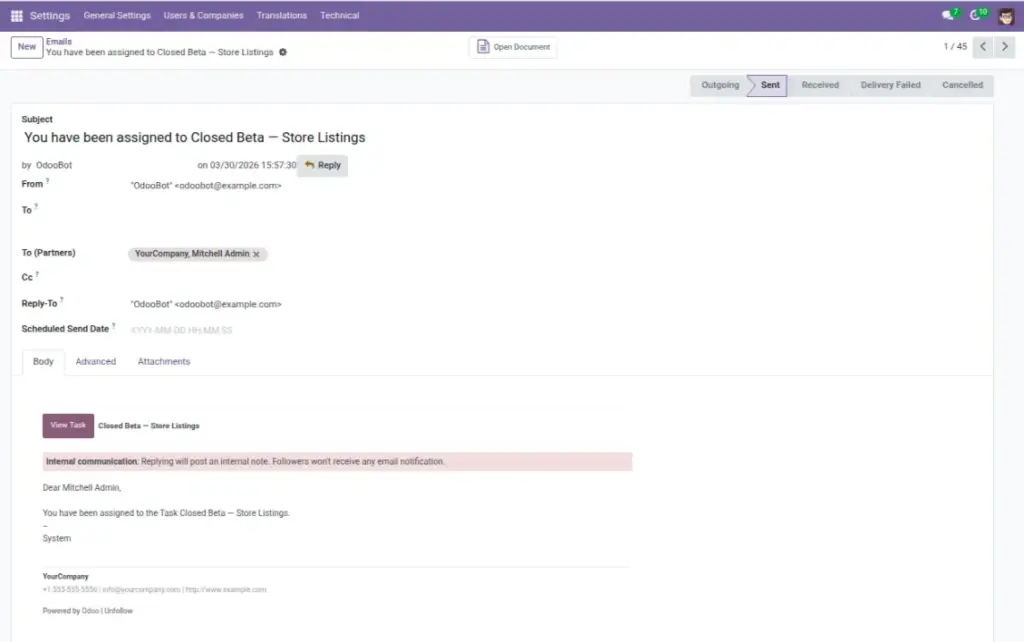


Overview
When an applicant crosses your High Score Threshold, the system can send a notification email to the right people. Templates let you control subject lines, content, and recipients so alerts are clear and actionable. Use concise wording and include the job title, applicant name, and score to speed up triage.
How It Works
Templates define the subject, body, and recipients. When a high score event occurs, Odoo fills in merge fields (like applicant name, job name, score) and sends the email via your outgoing mail server. You can duplicate and customize templates for different roles or teams to route alerts to the right inboxes.
Step-by-Step Guide
- Open Settings → Technical → Email → Templates.
- Find the AI Resume High Score template.
- Update subject, body, and recipients as needed; save.
Fields Table
| Field Name | Description | Example |
|---|---|---|
Subject |
Email title shown in inbox. |
“High-scoring applicant for {{job_name}}” |
Body |
Main content with merge fields. |
“{{applicant_name}} scored {{score}}…” |
Recipients |
People who receive the alert. |
|
Email Template |
Saved template used by automation. |
AI Resume High Score |
Field Explanations
Subject
The inbox title; include job name and optionally score for quick scanning.
Body
The main message; can use merge fields (e.g., applicant name, job name, score).
Recipients
Who receives alerts (individuals or a team mailbox like [email protected]).
Email Template (System)
The saved template used by automation to send alerts.
Tips
- Send to a team mailbox to prevent single-point dependency.
- Use concise bullets in the email with key resume highlights.
Common Mistakes
- Too many recipients → noise and missed follow-ups.
- Forgetting to test with a sample applicant.
Image