
Manage Drugs & Categories
Create drug records with categories, ingredients, and coverage per hospital or branch.

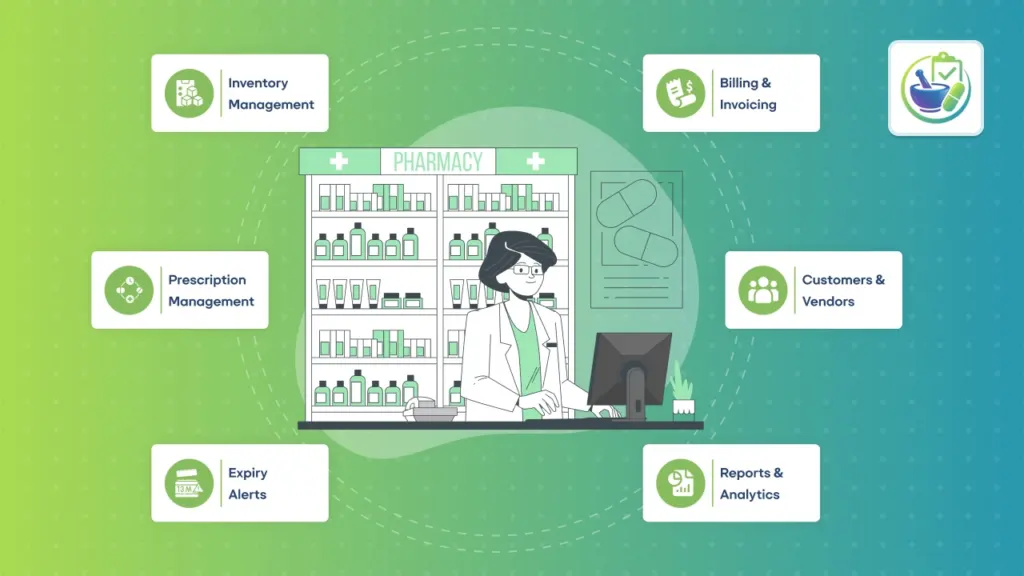
A complete pharmacy operations workspace for hospitals and multi-branch pharmacies—covering prescription handling, dispensing and delivery, billing and refunds, insurance claims, controlled drug compliance, staffing availability, alerts, and safety-focused stock tracking.

By Akash Soni May 5, 2026
Create drug records with categories, ingredients, and coverage per hospital or branch.
Configure hospitals and pharmacy branches, connect warehouses, and set defaults.
Create, approve, and dispense prescriptions with delivery and invoicing.
Set user roles, default hospital, and which hospitals each user can access.
Configure hospital-level external endpoints safely for integrations.
Create invoices from prescriptions and refund credit notes from returns.
Generate delivery pickings, record dispensed quantities, and handle returns safely.
Submit, approve, and track claim payments linked to prescriptions and patients.
Maintain legally required logs for dispense, return, and destroy events.
Plan staffing with templates and publish availability without double-booking.
Track treatment episodes, stages, notes, and linked prescriptions.
Set stock and expiry alerts, recalls, and approved brand-to-generic substitutions.
Check minimums, shortages, and expiring lots across hospitals and branches.
Handle uploads, reservations, and queries from patients and customers.
Use dashboard-style reports for RX volume, controlled logs, treatments, and claims.
Use message channels and templates to keep patient communication consistent.
Configure pricing tax mode, localization, substitutions, and default expiry policies.
Beginner checklist: install the module, configure hospitals/branches, set user access, and create minimum master data.
Mark contacts as prescribers, add license numbers, and set default branches.
Keep clear patient profiles with allergies, emergency contacts, and history.

Create hospitals and pharmacy branches with the right warehouses and stock locations for clean separation.

Maintain drugs, categories, ingredients, and site coverage with min/target/max levels and expiry visibility.

Create, approve, deliver, and dispense with traceability and safeguards against over‑dispensing.

Generate invoices from prescriptions, issue refunds from returns, and track claims from draft to paid.

Log dispense/return/destroy actions with timestamps and notes for audits.

Use shift templates and publish availability without overlaps for better coverage.

Set alert rules for stock/expiry/recall and manage approved brand↔generic substitution maps.

Use reporting views to monitor RX volume, controlled logs, treatments, expiry, and claims performance.