Keep complete, safe records for patients and customers, including allergies and emergency contacts.
Overview
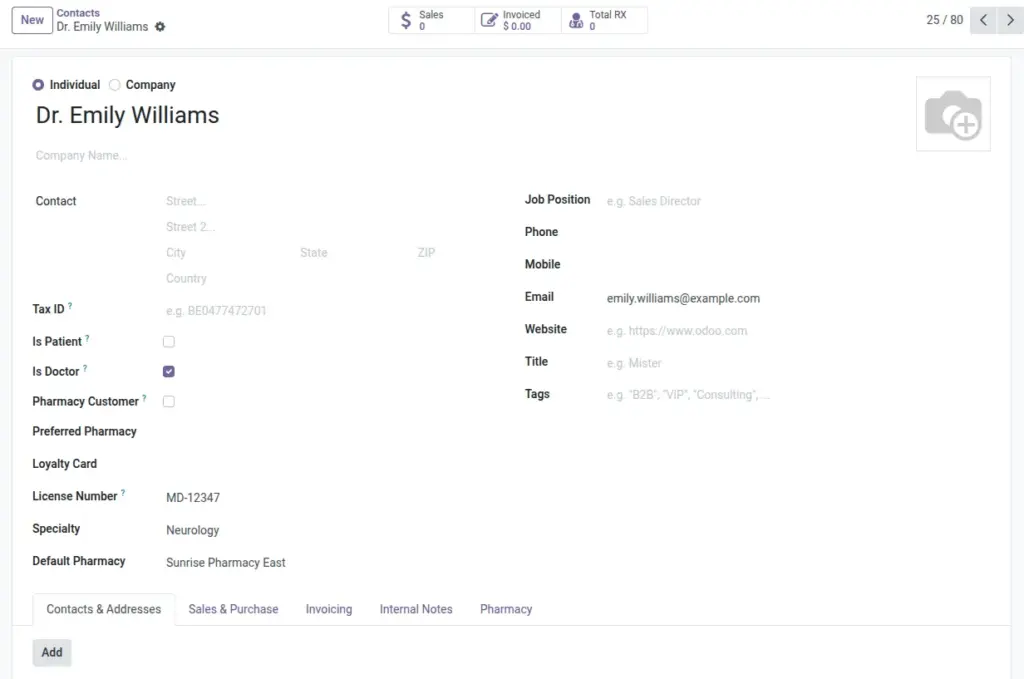
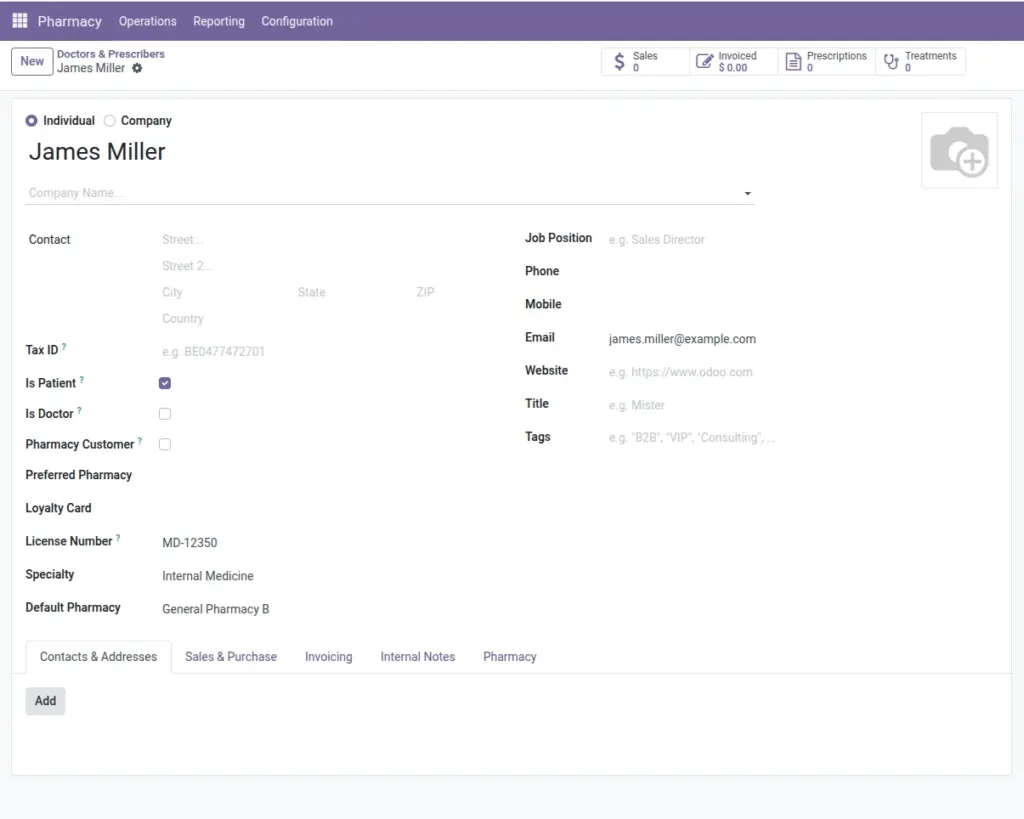
Patients are standard contacts with additional health fields that support safe dispensing, such as blood type, allergies, and a unique medical record number (per company). The same contact model can also represent doctors (prescribers) and general pharmacy customers, so all people-related information lives in one place.
From the patient record you can jump to their prescriptions and treatments, making it easy to review history before preparing an order. Capturing allergy and emergency contact details up front reduces clinical risks and speeds up everyday conversations at the counter.
How It Works
- Use Patients / Customers under Operations to see people records.
- Mark Is Patient to enable health-related fields and links.
- Smart buttons show prescriptions and treatments for the patient.
Step-by-Step Guide
- Go to Pharmacy → Operations → Patients / Customers → New.
- Enter name and contact details. Tick Is Patient.
- Add Blood Type, Allergies, and Medical Record No.
- Add Emergency Contact on the patient form (when using the Hospital Patient view).
- Save. Use smart buttons to open Prescriptions or Treatments.
Fields Table
| Field Name | Description | Example |
|---|---|---|
Is Patient |
Enables patient-specific fields |
Yes |
Gender |
Optional demographic detail. |
Female |
Date of Birth |
Used for patient safety checks. |
1990-03-15 |
Medical Record No |
Unique ID for the patient. |
MRN-10293 |
Blood Type |
Health info for safety. |
O+ |
Allergy Note |
Important allergy warnings. |
Penicillin |
Emergency Contact |
Who to call in emergencies. |
John Smith (+1 555 123 4567) |
Preferred Pharmacy |
Branch the patient usually visits. |
CGH Outpatient |
Field Names Explained
Is Patient
Enables patient‑specific fields and health counts.
Gender
Optional demographic detail used in some health checks.
Date of Birth
Important for age‑based safety and counseling.
Medical Record No
Unique per company; used for quick lookup.
Blood Type
Clinical reference for safety (optional).
Allergy Note
Clearly list allergies/intolerances (e.g., “Penicillin”).
Emergency Contact
Name and phone to reach in urgent situations.
Preferred Pharmacy
Default branch for faster routing and service.
Tips
- Capture allergies at first contact to avoid unsafe dispensing.
- Use Preferred Pharmacy to speed up prescription routing.
Common Mistakes
- Forgetting to tick Is Patient hides health fields and counts.
Image