
Setup AI Assistant
Download the addon, place it in addons, restart Odoo, update Apps, install, and assign user access—explained for newcomers.

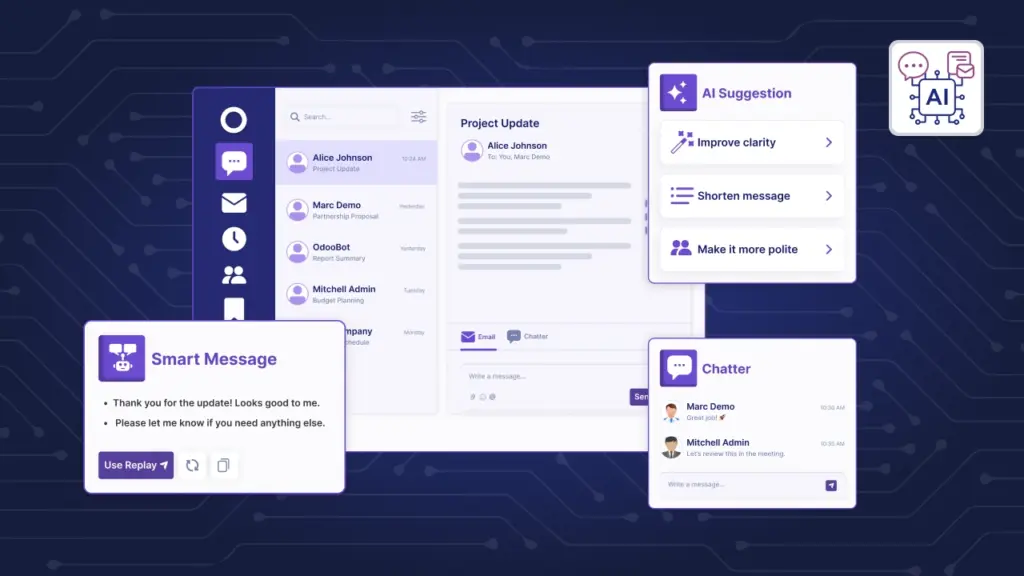
AI Suggestions (Odoo AI Email & Chatter Assistant) brings inline, context-aware AI help to every Odoo chatter and Discuss composer. The addon wires a unified AI service into backend services, front-end toolbars, and JSON-RPC endpoints so teams can draft replies, rewrite messages, summarize threads, and generate ready-to-use email templates without leaving the app. Governance-ready prompts, multi-provider support, role-based access, and audit logging via Usage Logs.

By Akash Soni March 24, 2026
Download the addon, place it in addons, restart Odoo, update Apps, install, and assign user access—explained for newcomers.
Turn on AI, assign roles, and start drafting in minutes.
Draft clear messages and subjects without starting from scratch.
Get fast, on-brand replies with one click.
Describe what you need. The AI adds the right context for you.
Create full HTML or plain text templates ready for Odoo.
Standardize tone, structure, and context for longer outputs.
Define the short actions that appear as buttons in the composer.
Settings & Providers (Managers)
Track adoption, troubleshoot responses, and support compliance.
Protect sensitive data while using AI efficiently.
Fix common issues quickly.

Draft, rewrite, summarize, or create subjects directly in the composer—no context switching.

OpenAI, Azure, Vertex, Anthropic, Cohere, OpenRouter, or your custom endpoint.

Templates and quick prompts can target specific Odoo models to pull the right fields.

Create full HTML or text templates that keep Odoo placeholders intact.

PII redaction, field whitelists, rate limits, and allowed languages by design.

Track provider, action, duration, and tokens for transparency and governance.