Create invoices from prescriptions and issue refunds from returns in a few clicks.
Overview
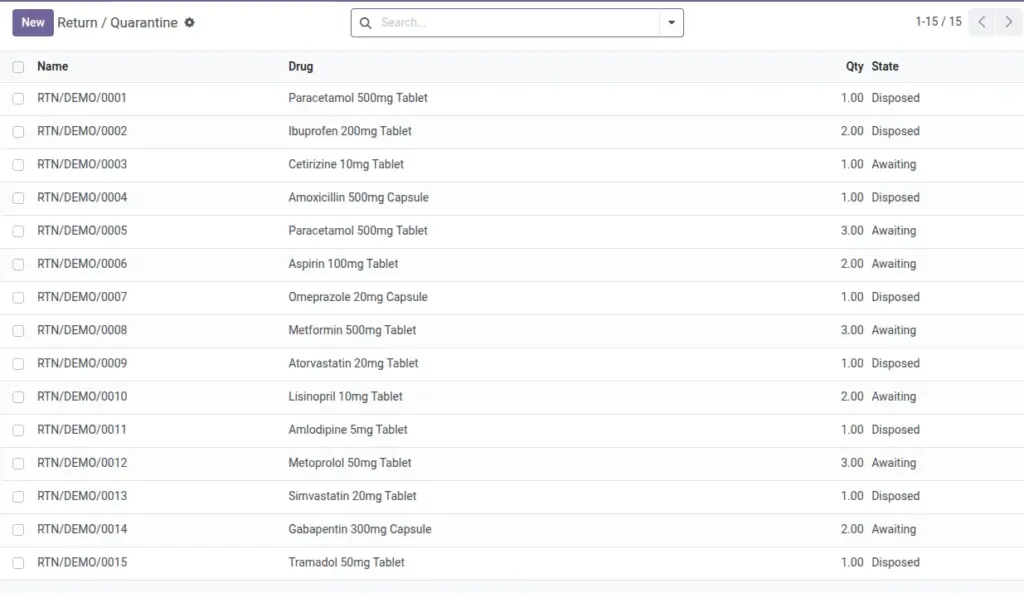
Billing turns dispensed medication into patient invoices using the product’s pricing and units of measure. When a patient returns items, you can create a credit note (refund) directly from the Return Quarantine record linked to the original invoice, keeping financials and inventory aligned.
This workflow reduces manual entry, ensures accurate totals, and gives accounting a clean trail from prescription to payment or refund.
How It Works
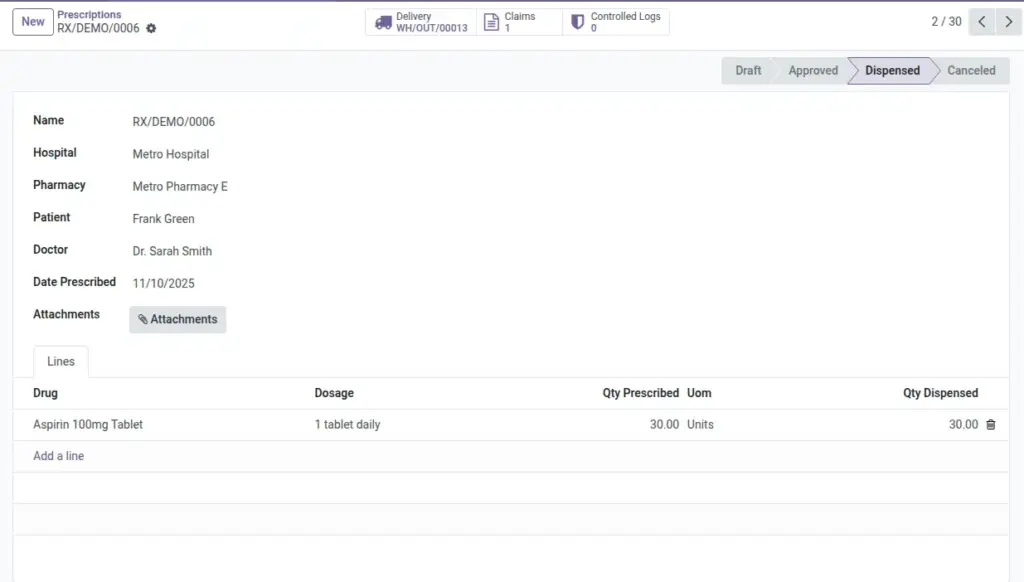
- Create Invoice from a prescription uses drug lines and product prices.
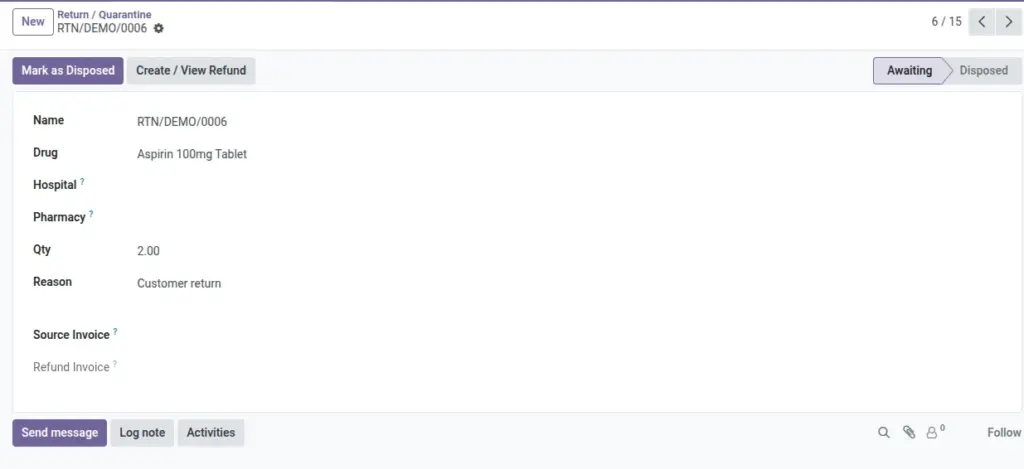
- Create Refund from a return uses the source invoice and returned quantity.
- Invoices and refunds appear in Accounting for payment and reconciliation.
Step-by-Step Guide
- Open an Approved prescription with valid lines.
- Click Create Invoice. Review the invoice lines and confirm.
- To refund a return, go to Pharmacy → Operations → Return Quarantine → New.
- Select Drug, set Qty, pick the Source Invoice, and add a Reason.
- Click Create Refund to generate a credit note.
Fields Table
| Field Name | Description | Example |
|---|---|---|
Invoice |
Customer invoice for the prescription. |
INV/2026/0134 |
Refund (Credit Note) |
Negative invoice created from a return. |
RINV/2026/0042 |
Source Invoice |
Original invoice tied to the return. |
INV/2026/0125 |
Quantity |
Number of units billed or refunded. |
30 |
Price |
Unit price from the product. |
USD 1.50 |
Field Names Explained
Invoice
Customer invoice created from a prescription.
Refund (Credit Note)
Negative invoice to reverse returned items.
Source Invoice
Original invoice tied to the return for correct linkage.
Quantity
Billed/refunded units; must be positive for refunds.
Price
Unit price taken from the product template.
Tips
- Ensure the company has a Sales Journal set up; otherwise invoice creation will fail.
- Confirm UoM and product prices on the product template for accurate billing.
Common Mistakes
- Trying to create an invoice with no prescription lines or zero quantities.
- Forgetting to link the Source Invoice on returns before creating refunds.
Image