
Setup / Install Module (End Users)
Install the addon, update Apps list, and give users access.

Export clean business data from any Odoo app in minutes — CSV, Excel, XML, JSON & more. Schedule exports, send by email or cloud, and keep a full history with clear logs.

By Akash Soni March 26, 2026
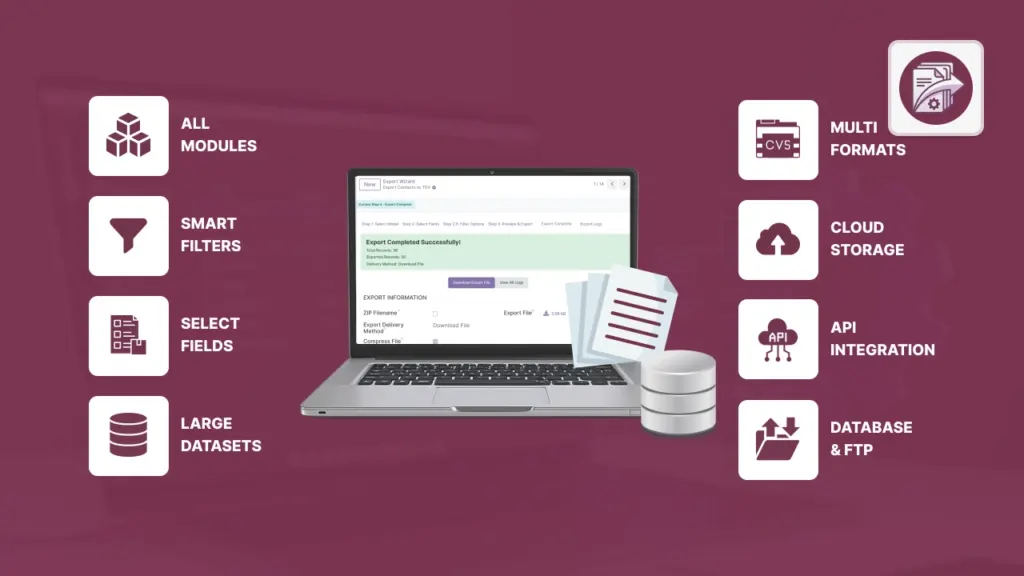
Install the addon, update Apps list, and give users access.
Where to find the tool, quick export in 2 minutes.
Pick your app (model) and select the columns you need.
Apply conditions and preview the exact rows before exporting.
CSV, Excel, XML, JSON, PDF, ODS — choose the right format.
Stop broken characters in CSV/TSV exports and make files readable everywhere.
Reduce file size for easier email delivery and faster uploads.
Download, email, cloud storage, FTP/SFTP, or API delivery.
Create a link so others can download the export without sending attachments.
Send export data directly into a reporting database (for dashboards/BI).
Notify another system automatically after a successful export.
Automate exports: daily/weekly/monthly or custom cron.
Run multiple export setups at once — get a combined ZIP.
Save and reuse export setups so your team gets consistent files.
Understand public/private exports and who can see what.
Track queued/running exports and view messages when something fails.
Find past runs, download files, and read error messages.
Stop “bad data” at the door. Apply checks so exports are complete, clean, and reliable.
Fix common issues quickly and avoid mistakes.
Use the built‑in help screen inside Odoo for quick answers.

Select any Odoo data: Sales, Invoices, Inventory, Projects, HR — standard or custom.

Choose only the columns you need. Smart suggestions and support for related fields.

Export just what matters: date ranges, amounts, status, customers — you decide.

Run once or on autopilot: daily, weekly, monthly, or a custom schedule.

Download, email, FTP/SFTP, AWS S3, Google Drive, Dropbox, or via API.

Every run is tracked. See results, download files, and review any errors.