
Setup: Install & Enable the Module
Install the addon, update the Apps list, enable access rights, and confirm menus are visible.

Build no‑code forms, embed them on any site, and send data straight into Odoo — with smart logic, email alerts, analytics, and reCAPTCHA.

By Akash Soni March 25, 2026
Install the addon, update the Apps list, enable access rights, and confirm menus are visible.
Create a form, add fields, set target model, publish, and test.
Preview safely, publish/unpublish anytime, and duplicate for new campaigns.
Choose a layout, theme, header style, and add field options and help text.
Add your logo, set colors, choose backgrounds, and use custom CSS when needed.
Control progress bar, submit button text, and success/error messages.
Set required fields, length limits, number ranges, and format rules.
Allow documents and images, limit file types/sizes, and view attachments in Odoo.
Make forms shorter by showing only relevant questions.
Map answers to Odoo fields safely with compatibility checks.
Copy and paste a snippet — works on any CMS or custom site.
Understand when submissions create Odoo records (and when they don’t).
View submissions, process into Odoo records, export to CSV.
Send admin alerts and user confirmations using templates.
Enable/disable public viewing, restrict tokens, and hide public pages when needed.
Use reCAPTCHA, tokens, rate limits, and access rules.
Track views, submissions, conversion rate, and export data.
Control global options: web access, embedding, analytics, debug, and more.
Decide who can build forms, delete records, and manage global settings.
Fix common issues with embedding, mappings, emails, and access.

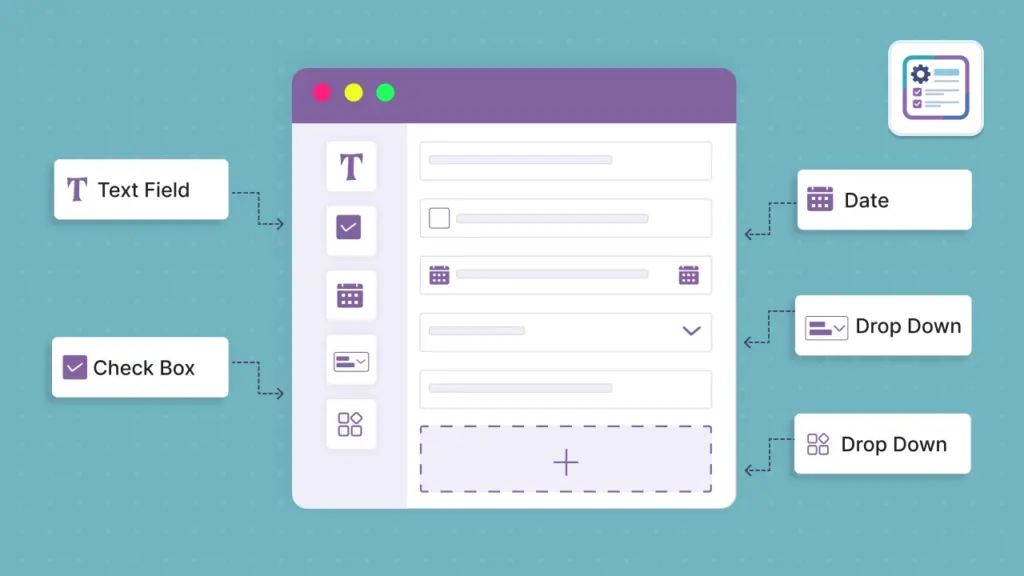
Create text, email, phone, dropdowns, radio buttons, file uploads, and more.

Place your form on any website with a JavaScript snippet or iFrame.

Map form answers to Odoo models like Leads, Partners, Tickets, and more.

Show or hide questions based on previous answers for a smooth experience.

Notify your team or send confirmations to users automatically.

reCAPTCHA, rate limiting, tokens, and access controls keep spam out.