
Setup Advance Report Studio
For administrators: download the add-on, copy to addons, restart Odoo, update Apps, install, permissions, and verify menus-written for first-time setup.

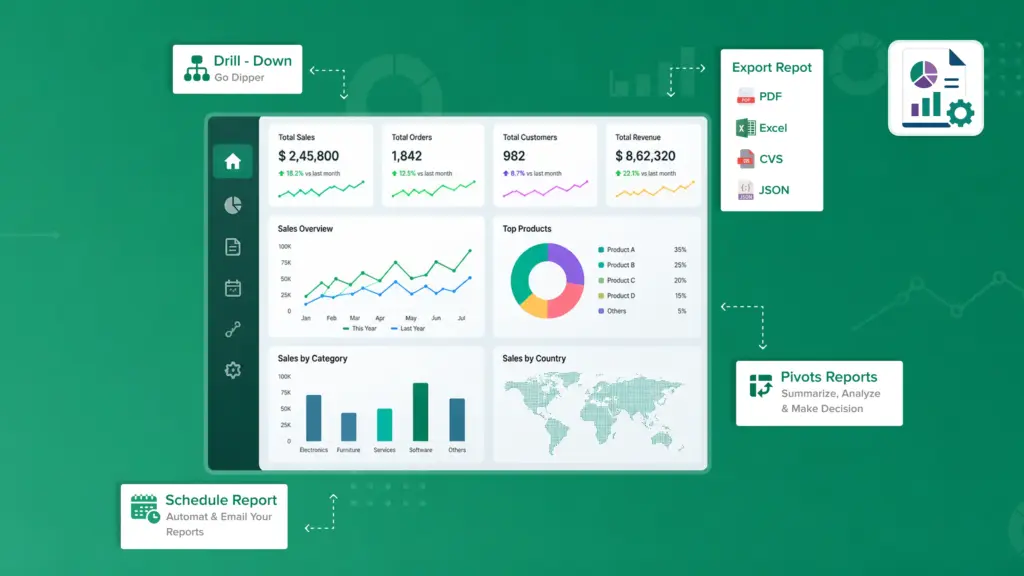
Build reusable reports on your Odoo data-open them like normal screens, pivot and chart them, export to Excel or PDF, drill into details, and email them on a schedule.

By Akash Soni May 21, 2026
For administrators: download the add-on, copy to addons, restart Odoo, update Apps, install, permissions, and verify menus-written for first-time setup.
After install: menus, User vs Manager, dependencies (Mail, xlsxwriter, PDF), and first demo report.
Open data, CSV/Excel/PDF from the list, search filters, Edit template, JSON export.
Full form walkthrough: source, access, window action, drills, exports, email.
Domain editor, rolling month domains, Context (JSON), validation.
View modes, pivot rows/columns, graph measure, kanban group-by, calendar rules.
Column lines, labels, max rows, generated list view, CSV/XLSX/PDF.
Domain templates, {placeholders}, Run drill wizard, demo patterns.
Manual send, test email, daily/weekly/monthly cron, recipients.
Company, owner, allowed groups/users, OR logic, record rules.
[Studio demo] tutorials, presets, catalog, per-app requirements.
Portable export/import, format contents, staging → production.
Allowed models whitelist, governance, rollout phases.

Define once which data, filters, and views to use-then open the report anytime from one menu.

Summarize sales, contacts, or inventory with pivot tables, bar charts, and kanban boards-not only plain lists.

Download the same filtered data with the columns you chose, up to your row limit.

Jump from a customer to their orders, or from an order to its lines, in one click.

Send PDF, Excel, or CSV attachments daily, weekly, or monthly to your team.

Export full report setups and import them in another database or after an upgrade.