Overview
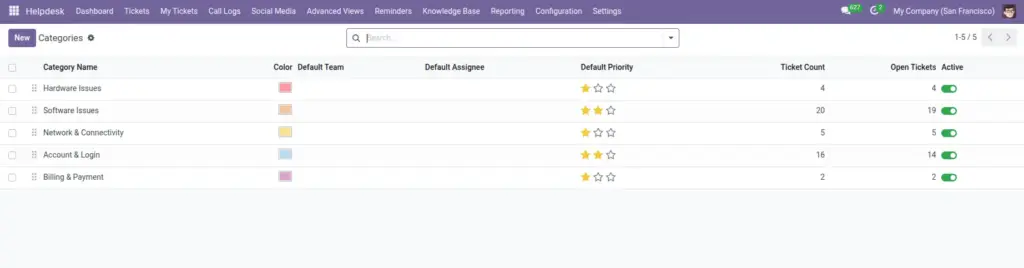
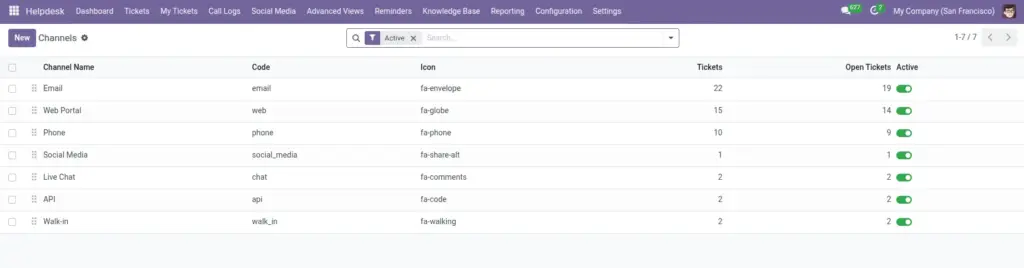
Configuration is the foundation of reliable helpdesk operations because it defines how tickets are categorized, routed, and processed across teams. A well-designed setup reduces manual effort, prevents confusion, and keeps service behavior consistent even as ticket volume grows. This section is especially important for managers and admins responsible for process quality.
How It Works
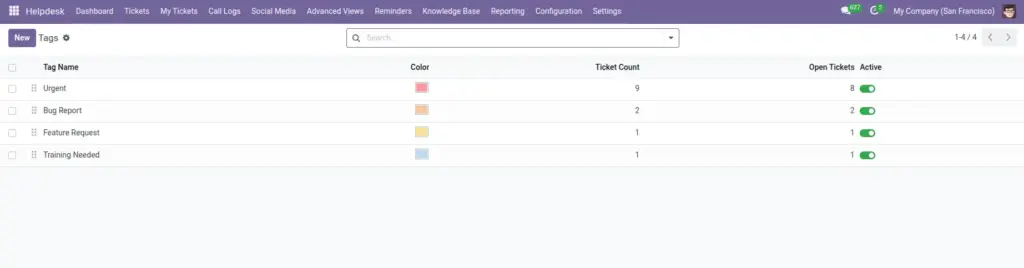
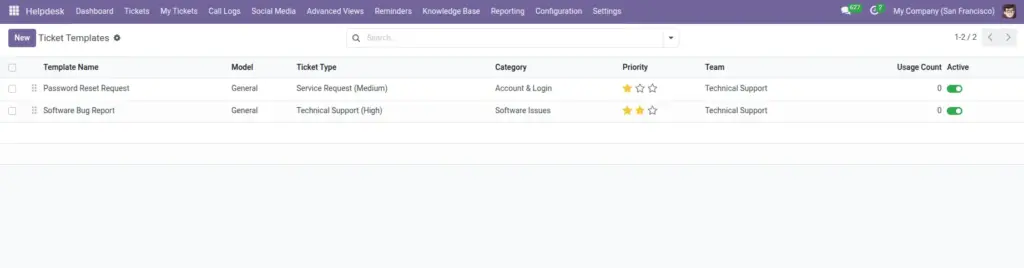
Admins define core structures such as categories, channels, tags, teams, ticket types, templates, and workflow rules based on business needs. Agents then use these predefined options while creating and updating tickets, which improves standardization and reporting accuracy. As requirements change, configuration can be adjusted gradually without disrupting daily support work.
Step-by-Step Guide
- Open Configuration menu in Helpdesk.
- Create categories and channels first.
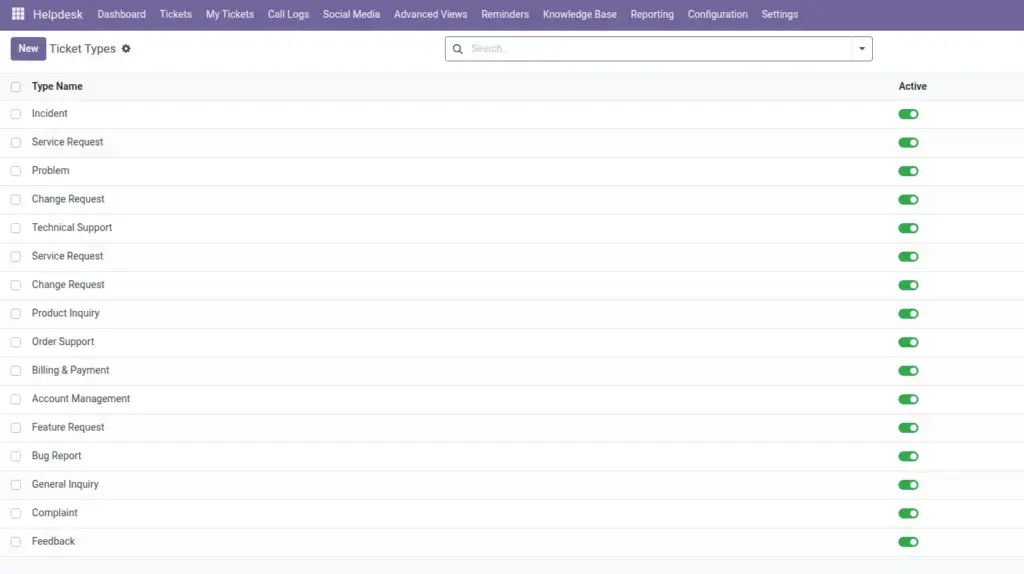
- Set teams and ticket types.
- Create templates for repeated issue patterns.
- Enable workflow rules and notification templates.
Fields Table
| Field Name | Description | Example |
|---|---|---|
Category |
Main issue grouping used in tickets. |
Billing |
Channel |
Source channel of incoming requests. |
|
Tag |
Extra label for quick filtering. |
High Value Customer |
Ticket Type |
Type of issue for process routing. |
Incident |
Template |
Pre-filled ticket content for common cases. |
Password Reset Template |
Workflow Rule |
Automatic action based on ticket conditions. |
If Urgent then assign to L2 Team |
Fields Explanation
Category
Helps classify issues for reporting.
Channel
Tracks where issues come from.
Tag
Adds flexible labels without changing structure.
Ticket Type
Supports correct process and SLA matching.
Template
Saves time and improves consistency.
Workflow Rule
Automates repetitive actions and reduces manual errors.
Tips
- Keep names simple so all teams use same vocabulary.
- Review templates quarterly.
- Test workflow rules with sample tickets before rollout.
Common Mistakes
- Creating too many overlapping categories.
- Using templates with outdated resolution steps.
- Turning on workflow rules without owner review.
Image