
Setup Helpdesk (First-Time Install)
Complete Odoo Helpdesk module setup guide from installation to user access configuration.

The Advanced Helpdesk Support Ticket Management System helps businesses create, track, and manage customer support tickets in Odoo. It keeps communication organized, assigns tasks to teams, and helps monitor deadlines efficiently.

By Akash Soni March 26, 2026
Complete Odoo Helpdesk module setup guide from installation to user access configuration.
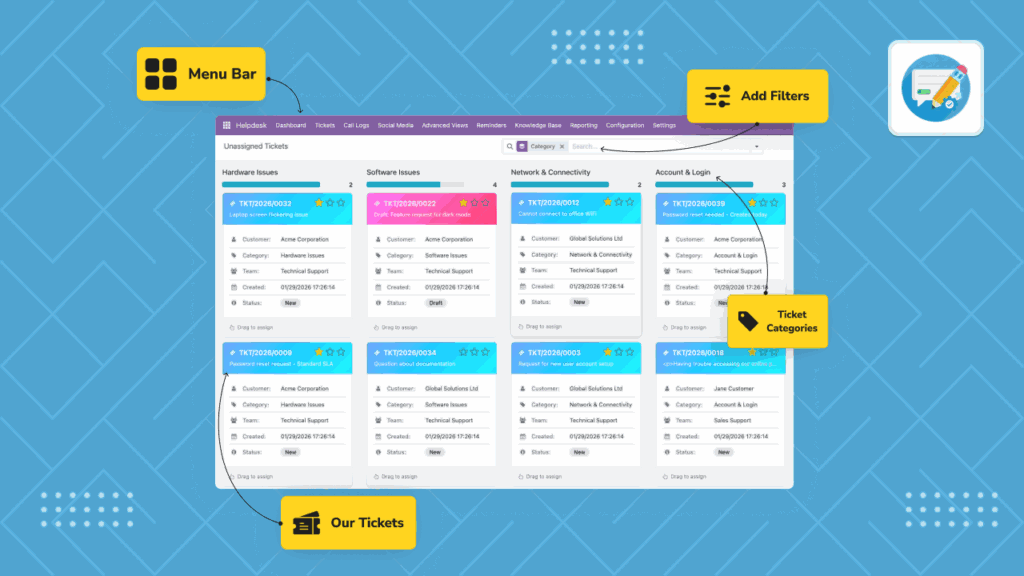
Learn the menu structure, dashboards, and where to begin your daily support work.
Create, update, prioritize, resolve, and close tickets with a clear, repeatable process.
Assign tickets to team members and balance workload across agents.
Set service commitments and escalate high-risk or breached tickets on time.
Set follow-up reminders and keep agents informed with in-app and email alerts.
Choose the right alert channels and frequency to avoid missing important updates.
Create articles and FAQs to reduce repeated questions and improve resolution speed.
Capture call details and social posts, then turn them into trackable tickets.
Configure social platforms and monitoring options so important posts become tickets automatically.
Guide customers to create, track, and update their own tickets through the portal.
Handle complex cases by splitting or merging tickets and reviewing full change history.
Connect tickets with related business records and automate linking based on rules.
Understand what each role can see and do to avoid access confusion in daily work.
Use dashboards and reports to monitor volume, SLA compliance, and customer satisfaction.
Set categories, channels, teams, ticket types, templates, and workflow rules.
Simple definitions of key helpdesk terms used across tickets, SLA, workflow, and reporting.


Assign tickets by team and agent using manual or auto-assignment methods.


Set follow-up reminders and control alert delivery through email and in-app notifications.

Create FAQ and solution articles, then link them to tickets for faster repeat resolution.

Handle complex or duplicate issues cleanly while preserving status and assignment history.

Connect tickets with related business records and automate linking for common workflows.

Track ticket volume, SLA compliance, customer satisfaction, and team performance trends.