
Setup Asset management
Install the addon and make menus visible for users

This guide helps you track company assets from purchase to assignment, maintenance, and depreciation. It’s written for everyday users — clear steps, real examples, and common mistakes to avoid.

By Akash Soni April 22, 2026
Install the addon and make menus visible for users
Know where to click for each task.
Explains roles, menus, and access issues
Record purchase, warranty, documents, and status.
Track who has what, and when it comes back.
Prevent over‑assignment with live stock counts.
Log service vendor, dates, cost, and documents.
Understand book value and depreciation entries.
Choose label layout and print in bulk.
Suppliers and service partners.
Define how depreciation is calculated.
Filter and group assets your way.
See assignment/return history for stock items.
Quick insights by type, vendor, status, and costs.

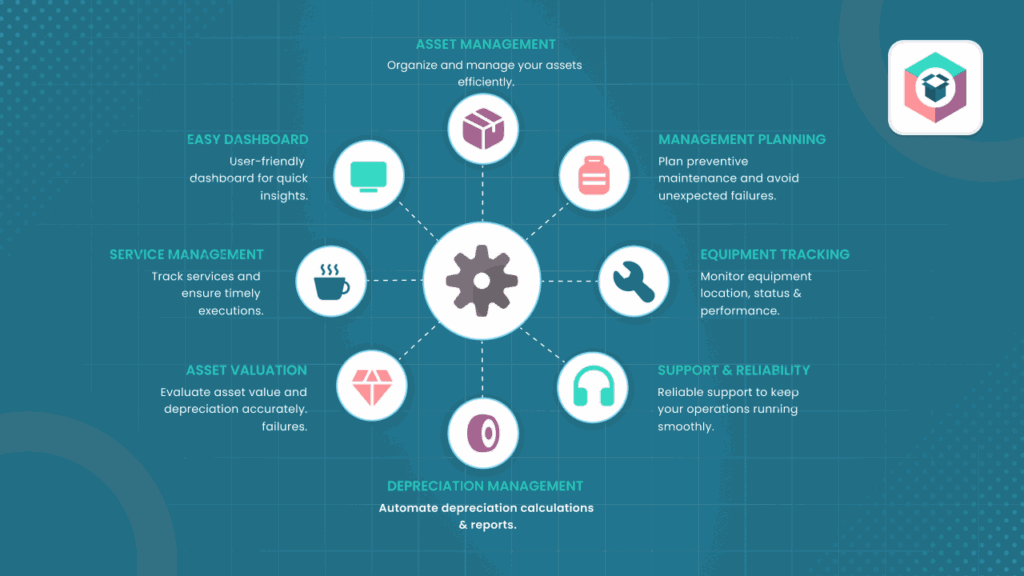
Assign assets to employees in a few clicks and keep transfer history clean.

For “Multiple Assets”, the app prevents over‑assignment using available quantity checks.

Generate and print scannable labels in common layouts for easy audits and handovers.

Applies rules by asset type to keep book values and schedules up‑to‑date automatically.

Log service vendors, costs, and documents so audits and budgeting are straightforward.

Get quick insights by type, vendor, status, and costs to guide purchasing decisions.