
Setup Guide
Download, install, activate, and configure user access - everything a new user needs to get started.

Set up smart data-checking rules across your entire Odoo system - no coding needed. This guide walks you through everything, step by step.

By Akash Soni July 16, 2026
Download, install, activate, and configure user access - everything a new user needs to get started.
Understand the difference between Validation User and Manager, and who can do what.
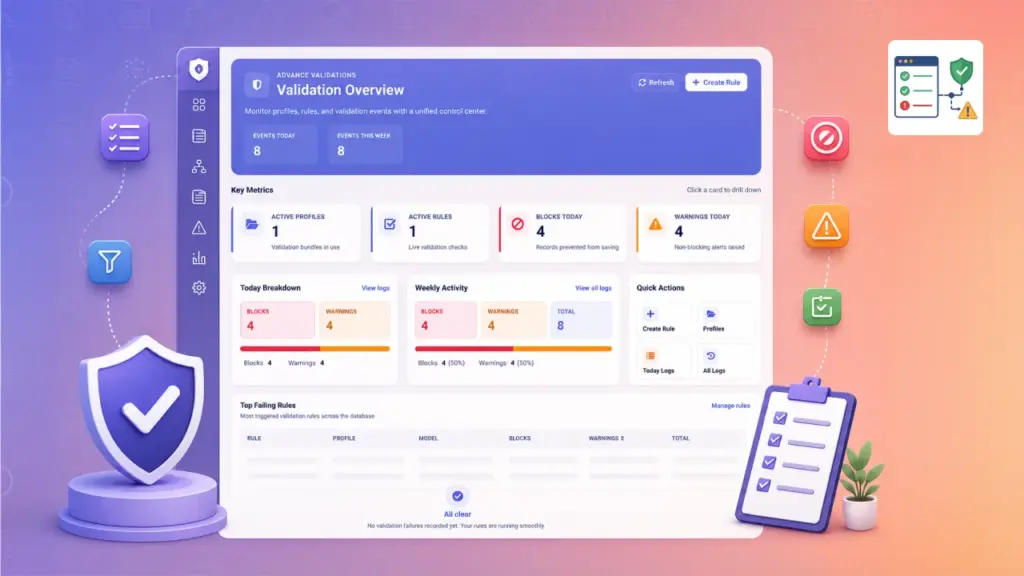
Your command centre - see active rules, today's blocks and warnings, and top failing rules.
Bundle rules into profiles for each business area and assign them to the right people.
Learn all 10 rule types - required fields, ranges, uniqueness, line totals, and more.
Create your first rule in four easy guided steps - perfect for beginners.
Test rules against real records before they affect your team - no changes are saved.
Review validation history, build pivot reports, and export CSV files for audits.
Scan your existing database records to find old data that would fail today's rules.
Back up, share, or move rule sets between Odoo environments.
Configure demo data, email alerts, form hints, rule approval, and scheduled audits.
What everyday users see - blocked saves, warnings, form hints, and the validation button.

Apply validations to Contacts, Sales Orders, Invoices, Products, and any other area in Odoo.

Group related rules together and assign them to specific teams or user groups.

Every blocked save and warning is recorded with the user, time, and reason.

See which rules fail most often and track data quality over time.

Run rules against real records without saving anything — safe dry-run testing.

Move your rule sets between Odoo databases with one-click JSON export.