
Setup MCP Connector
Download, upload, install, and activate the addon - plus user permissions for new users.

Odoo MCP Connection lets you safely link AI assistants like Claude and ChatGPT to your Odoo database. You control who can access what, review every AI action, and share live dashboards with your team.

By Akash Soni June 15, 2026
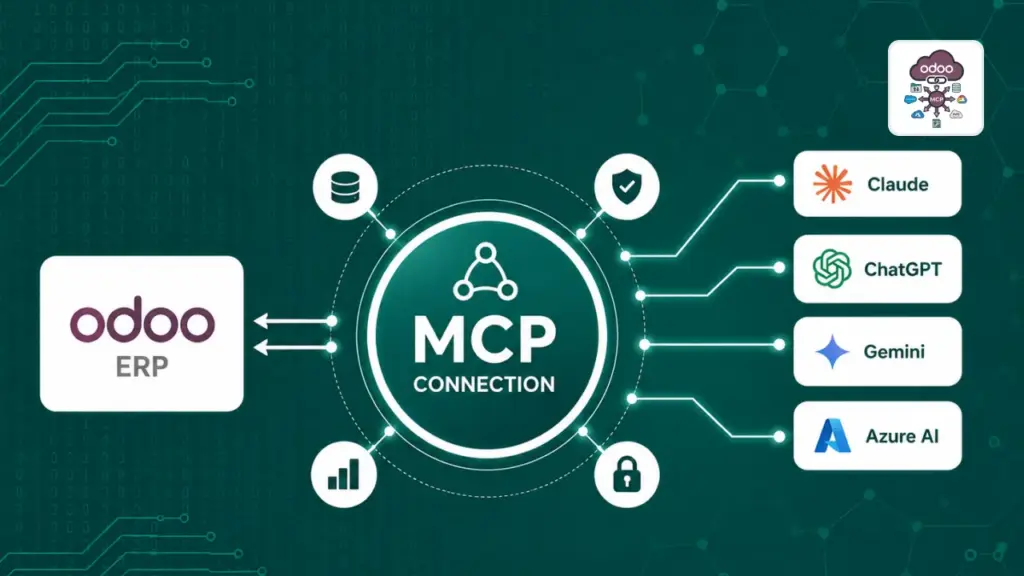
Download, upload, install, and activate the addon - plus user permissions for new users.
Open the menu, create your first API key, and connect an AI tool in minutes.
Create keys, copy tokens, test the connection, and rotate credentials safely.
Restrict AI to specific apps, data models, fields, and office IP addresses.
Set up OAuth clients so Claude, Cursor, and other tools sign in securely.
Monitor every AI action, spot errors, and understand who did what and when.
Build and publish shareable dashboards with live Odoo data and multiple layouts.
Follow large AI batch operations from start to finish and handle failures.
Review, download, and install Odoo modules created by AI through the connector.
Configure rate limits, audit retention, Redis, and global safety limits.
Fix connection errors, permission issues, OAuth problems, and portal glitches.

Give each AI tool its own key with an expiry date, usage tracking, and the ability to rotate tokens without downtime.

Limit AI to specific Odoo apps, data types, fields, and even IP addresses – so it only sees what you allow.

Connect Claude.ai with a guided OAuth setup – no manual token copying required for your team.

Every AI request is logged with timing, success status, and details – so you always know what happened.

Publish beautiful portal pages with KPIs, charts, and tables pulled directly from your Odoo data.

Large AI operations run in the background – track progress, results, and errors from one screen.