
Getting Started
Install and activate the plugin on your WordPress site - step by step for brand-new users.

Sell software, plugins, or digital products through WooCommerce and automatically deliver secure license keys to every customer - no manual work needed.

By Akash Soni July 1, 2026
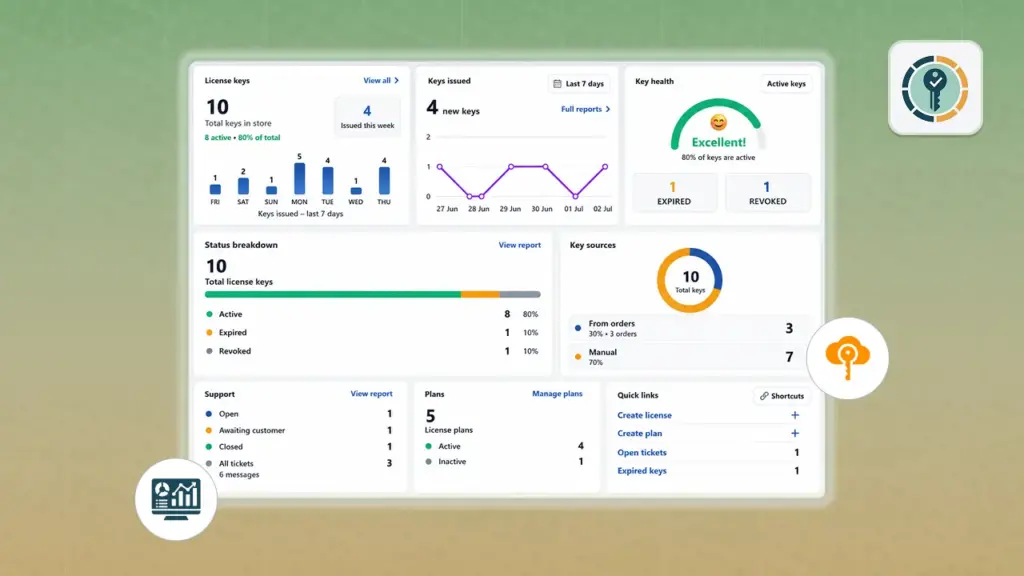
Install and activate the plugin on your WordPress site - step by step for brand-new users.
Create the rules that define how each license key works - duration, activations, and availability.
Connect a license plan to any WooCommerce product using the License tab in the product editor.
Understand how and when license keys are automatically created when customers buy your products.
View, search, edit, revoke, and manually create license keys from the admin dashboard.
See which computers or domains are using each key and manage the activation slots.
How customers see and manage their license keys from My Account and the verify form.
Customers open help requests linked to their license key directly from My Account.
Manage all customer tickets - reply, change status and priority, attach files.
Configure generation triggers, ticket numbering, shortcodes, and demo data.
Let your software verify, activate, and deactivate licenses automatically via the built-in API.

Define rules – duration, max devices – and assign them to any product. One plan can power hundreds of products.

Keys are created the moment a customer places an order. One key per item quantity, automatically linked to the order.

Know exactly which domain or device is using each license. Enforce limits – block overuse automatically.

Customers open tickets directly from My Account, tied to their license. Your team replies from the admin inbox.

Your software calls the API to verify, activate, and deactivate licenses without any manual admin action.

Add a public form anywhere on your site so customers can self-check if their key is still valid.