Summarize This Article With AI
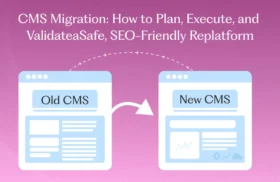
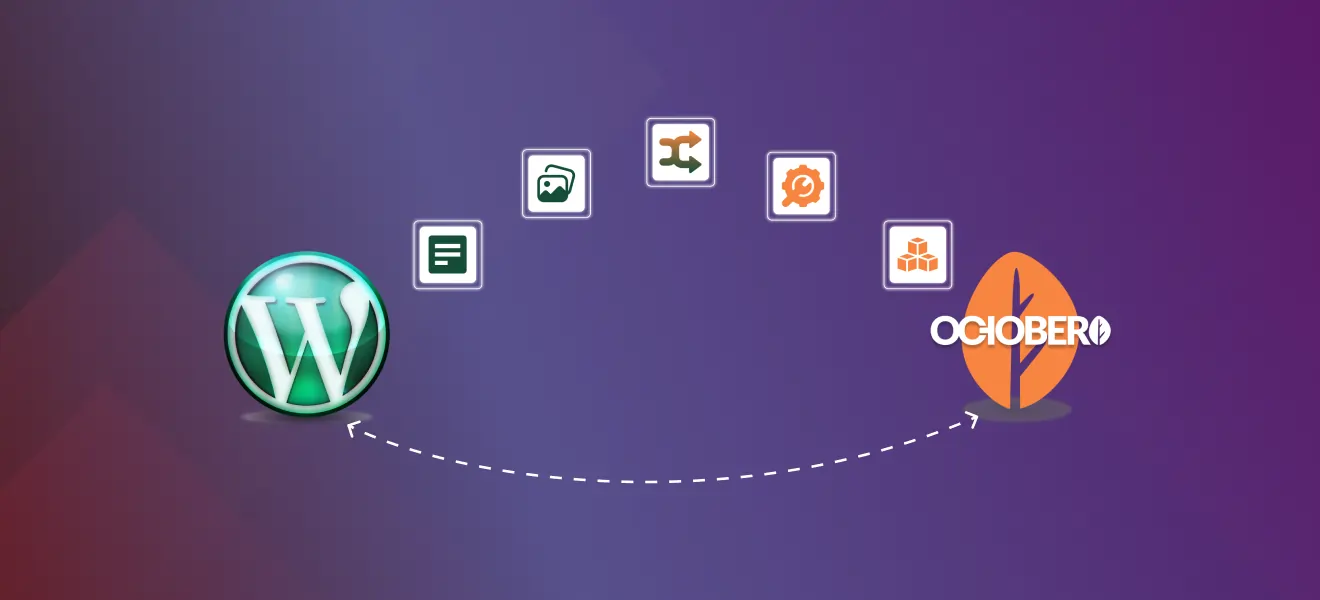
Migrating your website from WordPress to October CMS doesn’t have to be scary or painful. The migration process follows a set of steps to ensure a smooth transition to the new system, October CMS
Our migration service takes care of all the technical details, preserving your SEO while delivering a faster, developer-friendly site built with October CMS’s Tailor content system. Whether you have a small blog or a complex content heavy site, we cover everything from content export and import, media handling, redirects, template rebuilding to post-launch monitoring – all with minimal downtime and no surprises.
Additional Insights on Migration Benefits and Considerations
Migrating from WordPress to October CMS not only makes your site faster but also more flexible and developer friendly. October CMS’s framework is built on Laravel, with modern programming paradigms and a robust plugin ecosystem for scalable projects and complex content management needs. October CMS also supports horizontal scaling for growing businesses that need to handle more traffic and performance.
This migration also gives you more control over content types and templates, allowing you to create reusable components and better organize content teams’ workflows. The file-based content approach in October CMS makes version control and collaboration easier for teams looking for a more structured content management system. October CMS is also a great choice for simple sites that only need basic content management as it’s a lightweight and streamlined solution for projects with minimal features.
Plus October CMS’s security model and streamlined backend reduces common WordPress vulnerabilities, so you get better security and easier maintenance. With the ability to integrate modern frameworks and support for server-side rendering and static site generation, October CMS gives you faster load times and better user experience, especially on mobile.
By choosing the right migration partner and following a structured migration process you can avoid common pitfalls like broken links, content loss or SEO ranking drops. Our service ensures all these are taken care of so you get a smooth transition to a modern high-performance platform that supports your growth and evolving digital needs.
What We Deliver
- Full content migration including posts, pages, categories, tags, and custom fields.
- Media migration and URL updates for images and attachments.
- Theme and template rebuild using October’s Twig templating system and Tailor blueprints.
- Comprehensive 301 redirect plan and implementation to preserve your search rankings.
- Quality assurance, thorough testing, and 30-day post-launch monitoring for smooth transition.
Why Choose October CMS
October CMS offers developers greater control with its file-based content structures using Tailor and a clean Twig-based templating workflow. This makes your site leaner, more maintainable, and scalable. Tailor allows rapid recreation of blog, landing pages, and custom content types, while keeping the content editor experience familiar and intuitive.
However, migrating requires careful handling of content export/import, media paths, and redirects — the critical elements that protect your organic traffic. Both WordPress and October CMS are built on PHP, but October CMS leverages a more modern, modular PHP architecture that enhances flexibility, security, and developer experience compared to WordPress’s traditional PHP structure. Our approach follows SEO migration best practices: audit → redirects → testing → monitoring, ensuring your rankings remain stable throughout the migration.
Our Migration Process (Step-by-Step)
Discovery & Pre-Migration Audit
We do a full inventory of your WordPress site, including posts, pages, taxonomies, media, plugins and top performing URLs. Exporting your WordPress content is a key part of this audit and inventory process, so we can review and analyze all assets. We export current sitemaps and crawl the site to find traffic driving pages and backlinks, which become the basis of the master redirect map.
Backup & Staging Setup
Full backup of your WordPress files and database is taken and a staging environment is set up on your server or ours, with the correct hosting environment configured to ensure performance and security during migration. All migration activities happen in staging so your live site is untouched.
Content Export from WordPress
We export WordPress content via XML or CSV and collect all media files. For complex content structures or custom post types we create a detailed field-mapping plan to ensure no data is lost during migration.
Setting Up October CMS
Getting started with October CMS is designed to be easy even for teams moving from WordPress. The setup process involves installing the platform, configuring your database and setting up the backend environment. October CMS has an intuitive interface for managing content so you can create and edit pages, posts and custom content types.
The platform has a robust plugin and theme ecosystem so you can quickly add functionality and tailor the CMS to your needs. Whether you’re creating new pages, managing posts or implementing advanced content types October CMS has the tools to streamline content management and make your site flexible and scalable. With a few simple steps—database creation, platform installation and backend configuration—you’ll be ready to start building and managing your new site.
Import into October CMS
We use October’s community import tools and import behaviors to map XML/CSV data into pages, blog posts or Tailor blueprints. Proven import plugins and custom scripts preserve metadata, dates and author information. For complex mappings we use October’s Import/Export behavior or custom import classes.
Media Migration & URL Rewriting
All images and attachments are copied to October’s storage system. We automate URL rewriting and update database paths so media loads correctly from new locations, no broken media links.
Theme & Functionality
Rebuild Your WordPress theme templates are recreated in October CMS using Twig and Tailor where applicable. WordPress plugin functionality is reimplemented with October plugins, Tailor fields or lightweight custom code for forms, comments and widgets.
October CMS has a visual editor so content teams can edit and preview content during and after migration.
SEO Preservation: Redirects, Metadata & Sitemaps
We implement the redirect map as 301 redirects (either server-level or via plugins), preserve meta titles and descriptions and regenerate XML sitemaps for submission to Google Search Console. 301 redirects are crucial to preserve link equity during migration.
QA, Performance & Accessibility Checks
Full pre-launch crawl to verify internal links, structured data and hreflang tags if applicable. Migrating to October CMS prevents performance slowdowns often experienced with traditional CMS platforms as content and traffic grows. We test site speed on mobile and desktop and fix any 4xx/5xx errors. Structured data and canonical tags are validated for SEO compliance.
Launch & Monitoring
We perform the DNS switch or point the site live, re-run crawls and monitor Google Search Console and analytics for any ranking or indexing changes. We’re on-call for the first 2-4 weeks post-launch to fix any issues.
October CMS is scalable so your site will perform well as traffic grows.
Customization and Integration
October CMS is designed to be customized and integrated with many other platforms and tools. Through its API support and rich library of plugins you can connect your CMS to CRM systems, ERP solutions, payment gateways and social media platforms so your website works seamlessly within your broader digital ecosystem.
The platform has custom fields and meta tags so you can create unique content types and structures to fit your business needs. Using the command line interface developers can install plugins, manage themes and configure advanced settings making October CMS a powerful choice for projects that require deep customization and integration with other platforms. This flexibility means your CMS can evolve with your business and support new features and integrations as your needs change.
Omnichannel Content Delivery
One of the biggest advantages of using a headless CMS like October CMS is the ability to deliver content across multiple platforms and devices, supporting true omnichannel content delivery. With robust APIs and content management tools October CMS allows you to deliver content not only to your website but also to mobile apps, smart devices and other digital touchpoints.
The platform supports multiple content distribution channels: social media, email newsletters and RSS feeds so you can reach your audience wherever they are. By centralizing content management and using multiple platforms for distribution October CMS helps you create a consistent user experience across all channels. This means your team can manage content efficiently and your brand message stays unified no matter how or where your users interact with your content.
Tools & Capabilities We Use
- October community importers and custom scripts for complex content migration.
- October CMS Import/Export behavior and custom import classes for CSV-driven imports.
- Tailor blueprints for efficient content type management.
- SEO and QA tools including Screaming Frog, Sitebulb, Google Search Console, Analytics, and server logs.
- Additional resources: official documentation, community forums, and support channels to assist with migration and ongoing site management.
FAQs
Can you import WordPress comments and authors?
Yes, we migrate comments and author mappings where supported by October CMS or provide alternatives such as Disqus integration or native commenting.
Do you keep the same URLs?
Wherever possible, we maintain the same URL structure. If changes are necessary, we implement 301 redirects for every changed URL to preserve SEO.
Is October CMS a good choice for a simple site?
Yes, October CMS can be used to build a simple site, such as a business card website or landing page. It offers user-friendly tools for quickly creating basic websites. However, it is also powerful enough to handle more complex projects like online stores or marketplaces that require custom development and advanced functionality.
Will my SEO traffic drop after migrating?
If 301 redirects, metadata, canonical tags, and sitemaps are handled correctly, most sites experience little to no long-term traffic loss. Proper planning and monitoring are essential.
Can you migrate custom post types and custom fields?
Yes, we map custom post types to Tailor blueprints or plugin-based content structures and migrate all fields, preserving dates and author data.
How long does a migration take?
Small-to-medium sites typically take 3–10 business days on staging plus QA. Larger sites with thousands of pages or complex functionality take longer. We provide a timeline after the audit.
Does October CMS have the same problem of plugin redundancy as WordPress?
No, October CMS is designed to minimize the same problem of plugin redundancy found in WordPress. Its plugin ecosystem encourages unique, non-overlapping functionality, reducing redundancy and ensuring efficient site performance.