
Getting Started
Download, install, and activate the plugin. Everything you need to get up and running in minutes.

Offer better prices when customers buy more. Set tiered pricing rules by quantity, user role, country, category, and more - all from your WordPress dashboard.

By Akash Soni June 25, 2026
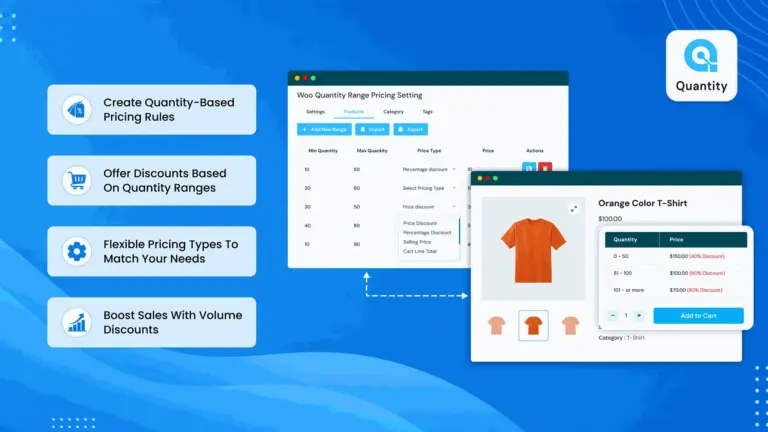
Download, install, and activate the plugin. Everything you need to get up and running in minutes.
Configure plugin-wide defaults - the master control panel for all pricing rules and display options.
Step-by-step guide to adding quantity pricing tiers directly to individual products.
Understand the four price types - Percentage Discount, Price Discount, Cart Line Discount, and Selling Price.
Show different prices to different customer groups or regions using User Roles and Countries.
Apply pricing rules to all products in a category or tag - without editing each product individually.
Customize how the pricing table looks - colors, border, layout style, and text alignment.
Bulk upload or download pricing rules using CSV files - save time when managing many products.
A complete overview of everything this plugin can do for your WooCommerce store. Understanding these features will help you get the most out of the plugin.

Set different prices for different quantity ranges on any product.

Works on all product types. Each variation can have its own pricing.

Charge different prices based on where your customer is located.

Offer special prices to Wholesale buyers, VIP customers, or any role.

Percentage off, fixed amount off, cart line discount, or exact selling price.

Apply pricing to all products in a category at once – no per-product setup.

Apply pricing to all products sharing a specific tag automatically.

Show pricing as a Table, Radio Buttons, or a Dropdown selector.

Customize table header color, price row color, border, and input styles.

Master on/off switch plus individual on/off per product.

Bulk manage pricing rules using spreadsheet files – saves huge amounts of time.

Embed the pricing table on any WordPress page using a simple shortcode.